 Gamp
GampOpens like any other app
Signed and notarized by Apple. Open the .dmg, drag Gamp onto Applications as the arrow shows, and double-click it.
GAMP FOR MACOS · APPLE SILICON + INTEL
Gamp is a free, open-source music player that looks and works like Winamp 2, built as a native macOS app for Apple silicon and Intel Macs (macOS 11 or later). Classic skins, the 10-band equalizer, the playlist editor and a MilkDrop-style visualizer, playing your files, your NAS, Plex, Jellyfin, radio, SoundCloud and Spotify.
Download for Mac Try it in your browser
Free and open source (MIT) · signed and notarized by Apple · not made by Winamp
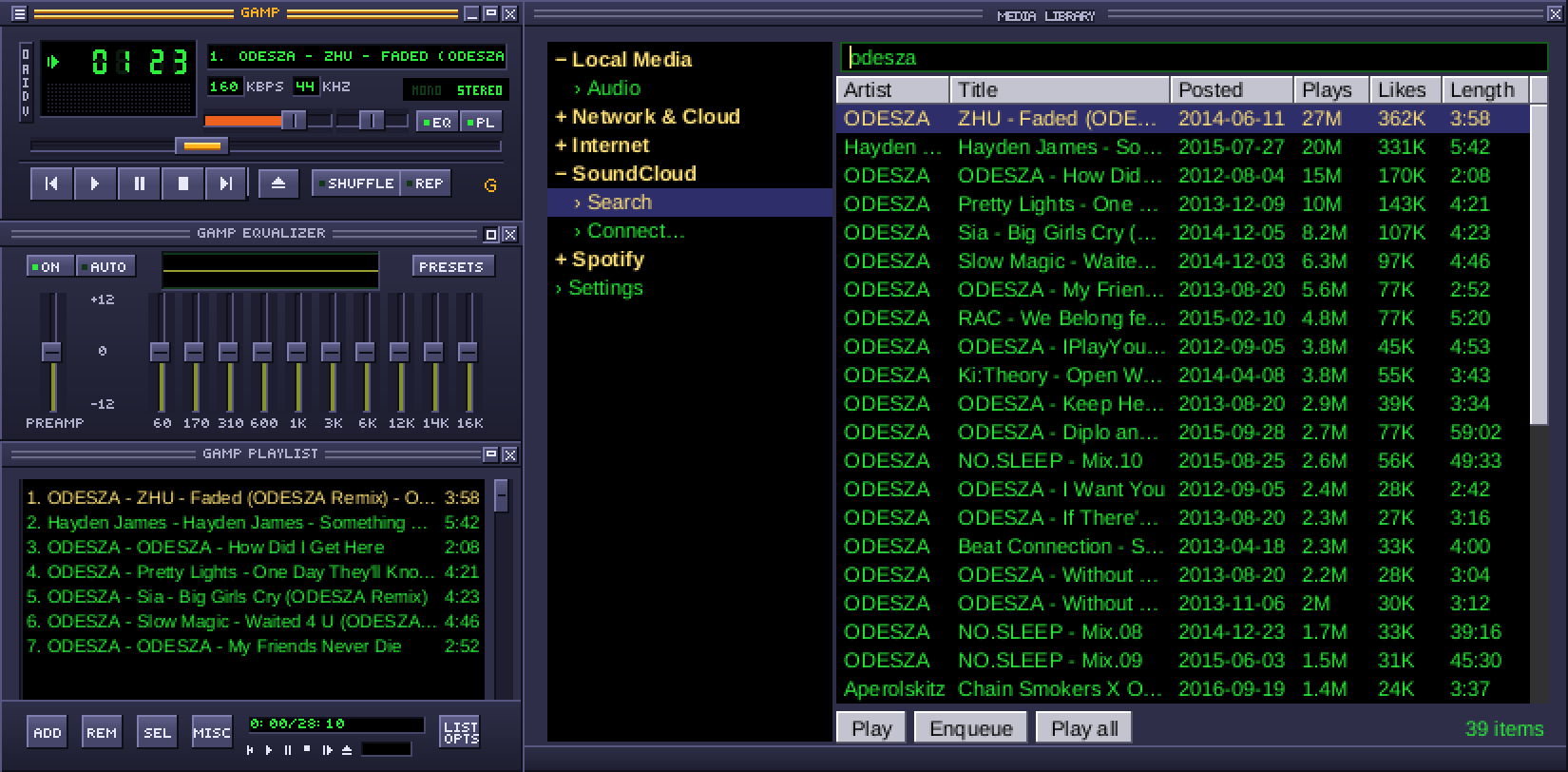
Signed and notarized by Apple. Open the .dmg, drag Gamp onto Applications as the arrow shows, and double-click it.
Play, pause and skip from your keyboard, your AirPods or Control Center, where the playing track shows in Now Playing.
Docked windows keep together across a laptop screen and an external display, and stop under the menu bar. A window off-screen? Click Gamp in the Dock to gather them all back.
Double-click the visualizer for full screen: it stays on its own Space instead of jumping between screens.
Five seconds after the music stops, Gamp lets go of the sound output, so your Mac can go to sleep as usual. Idle, it uses almost no CPU.
Songs, playlists, skins and equalizer presets open with a double-click or Open With › Gamp. ⌘+ and ⌘− size every window from 100% to 300%, as in a browser.
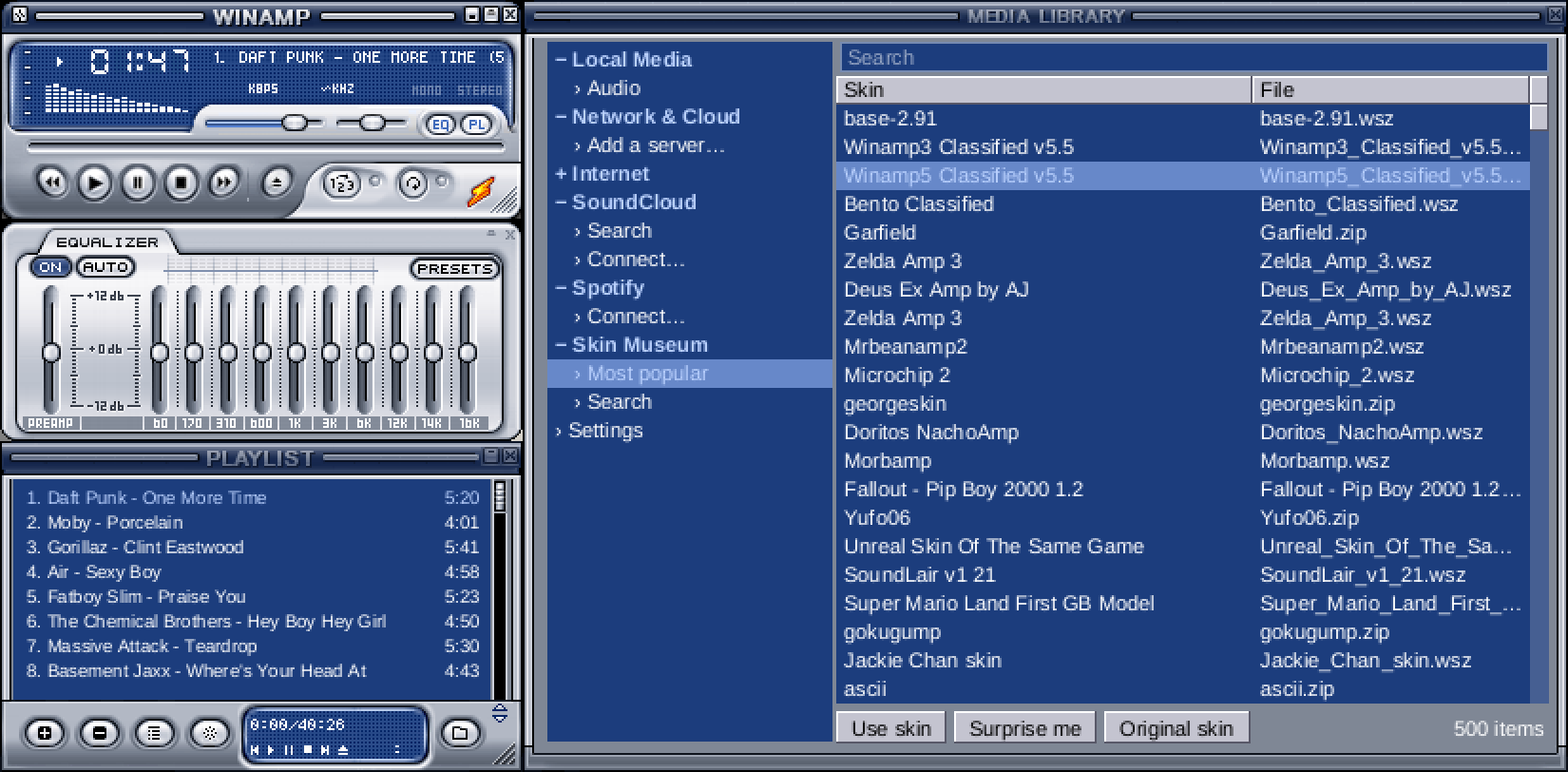
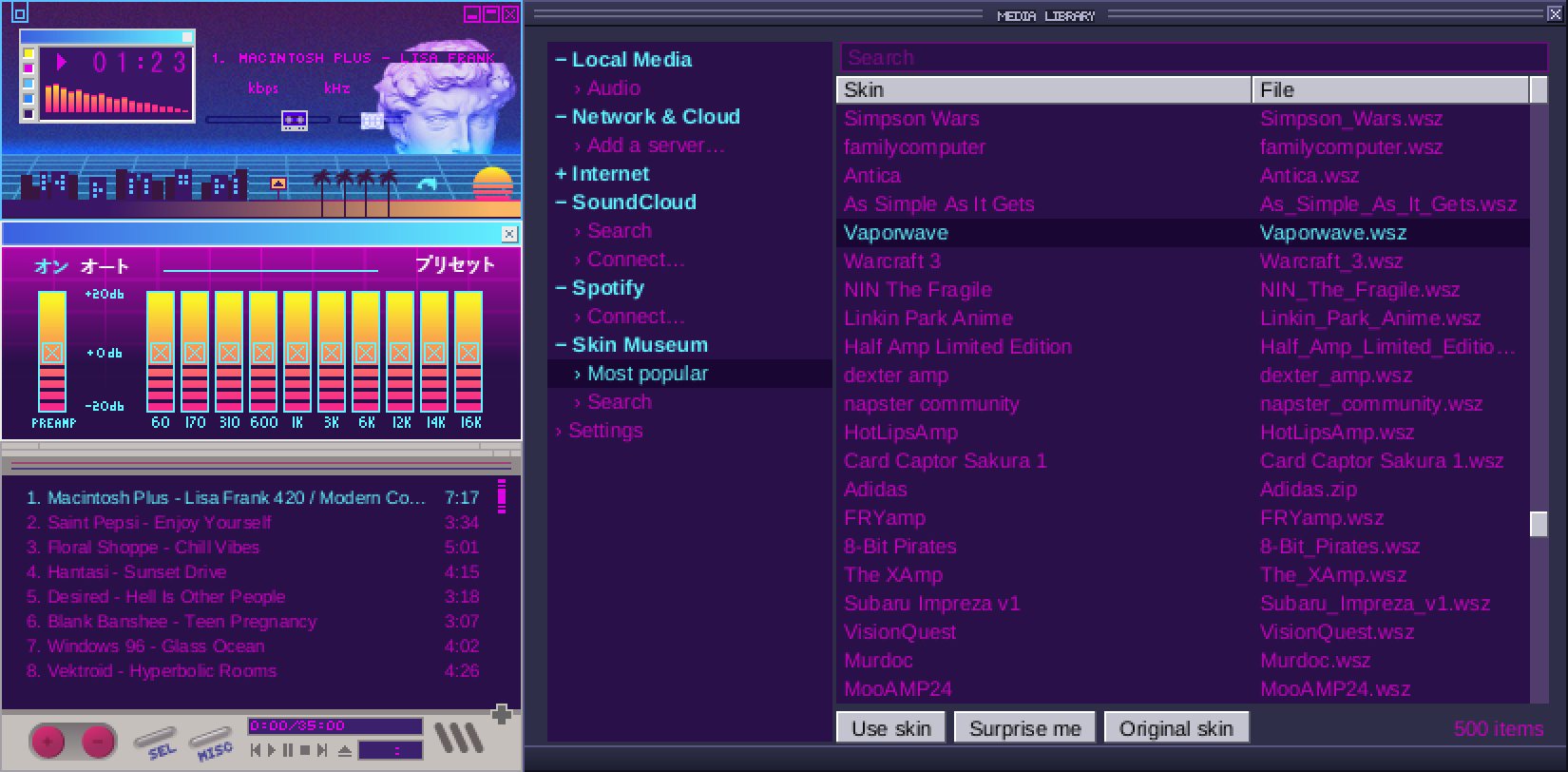
Any classic .wsz skin you drop on the player works as it is, and the built-in Skin Museum browses and searches about 100,000 of them. More about skins.
/Volumes, SMB, AFP or NFSFree, no account, no ads. macOS 11 or later.
Also for Windows and Linux. Gamp updates itself after that.
Gamp is a native macOS app that looks and works like Winamp 2: classic Winamp skins, the 10-band equalizer, the playlist editor and a MilkDrop-style visualizer. It is free and open source. Gamp is independent and not made by Winamp.
Yes. There is a download for Apple silicon (M1 and later) and one for Intel Macs, both for macOS 11 or later.
Yes. Gamp is signed and notarized by Apple from version 0.3.16, so it opens with a double-click. If an older copy is refused, download Gamp again, or click Open Anyway in System Settings › Privacy & Security.
Yes. Drop any .wsz skin on the player, or browse about 100,000 in the built-in Skin Museum. The equalizer opens Winamp .eqf presets and .q1 libraries, and its built-in presets match Winamp's.
Gamp has G-Drop, its own visualizer in the MilkDrop tradition: 40 original presets that follow the bass, mids and treble, full screen on a double-click, on its own Space. It doesn't load MilkDrop's own preset files.
Yes: free and open source under the MIT licence, with no account and no ads.
We use Google Analytics to count visits. OK?